


Key Takeaways
- What can you do from the BCPoker mobile lobby?
- How do Smart Focus and multi-tabling work?
- What stays linked to your account across devices?
- Which security and session-control tools are available?
Open the mobile lobby to choose a table or tournament and manage your poker session from one screen.
Inside the BCPoker Mobile Lobby
The mobile lobby acts as the starting point for a session after the application has launched. Players can review cash games, tournaments, and available poker formats from the same environment instead of moving between separate services. This makes the lobby the main point for selecting what to play before joining a table or registering for an event.
Current game information helps users compare available options before entering a session. The player can review different rooms, stakes, and formats, then select the option that fits the intended type of play.
Finding Cash Tables, Poker Formats and Tournaments
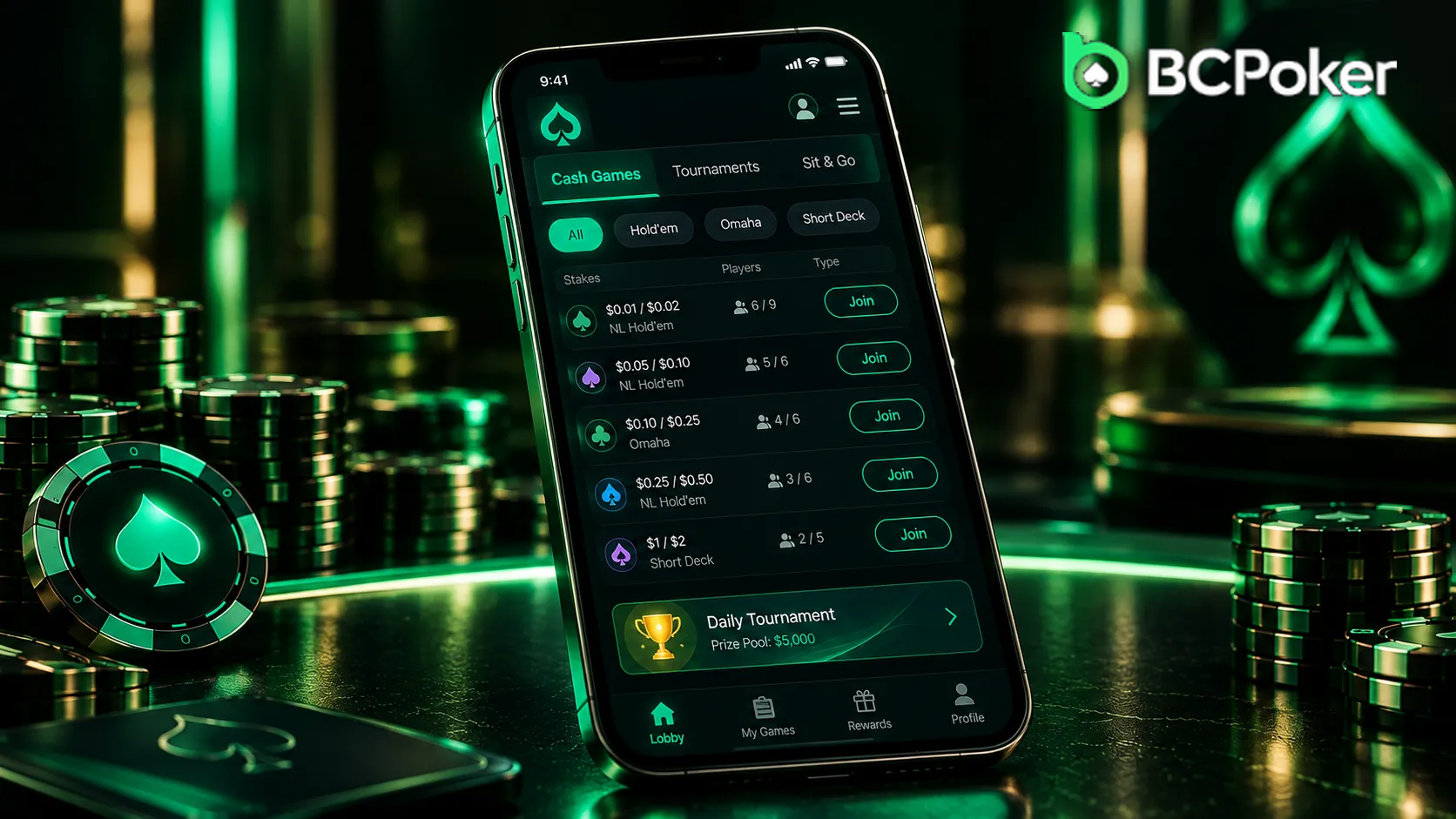
The lobby brings together cash-game and tournament choices in one place. Players can look for No Limit Hold’em, Omaha, Short Deck, and faster formats, then use the displayed table or event information to choose an appropriate option.
A typical session can follow this sequence:
- Review available poker formats and events.
- Select a cash table or tournament.
- Check the relevant game or event details.
- Join the table or complete tournament registration.
After completing the BC Poker download, players can open the app and use the lobby to choose a cash table or tournament.
Playing at a BCPoker Table from a Phone
The mobile table is designed around a vertical display rather than treating the phone as a miniature desktop monitor. Stack sizes, pot amounts, player actions, and the current table state remain visible while the main poker controls are positioned for touch interaction. This layout keeps the most relevant information within reach during an active hand.
The mobile interface also supports multi-table sessions, allowing several games to be managed from the same phone.
One-Hand Controls, Smart Focus and Live Table Information
One-Hand Mode places the primary controls within convenient reach, so actions such as bet, fold, and raise can be managed with a thumb while the device remains in portrait orientation. Smart Focus brings the table where action is required to the foreground, reducing the need to search manually between active games.
VPIP and PFR metrics are also displayed directly in the table interface, giving players access to additional player statistics without leaving the game.
| Mobile feature | What the player sees or uses | Purpose |
| Portrait layout | Vertical table view | Keeps information suited to a phone screen |
| One-Hand Mode | Bet, fold, raise and related controls | Supports one-hand navigation |
| Smart Focus | Table requiring attention | Simplifies movement between active games |
| VPIP/PFR | Player statistics in the table view | Provides additional decision context |
| Multi-tabling | Up to four active tables | Supports simultaneous table management |
These functions make the mobile table focused on practical navigation and decision-making rather than simply reproducing the desktop layout.
BCPoker Tournaments from Registration to the Table
Tournament navigation begins from the same mobile environment used for cash-game selection. The user can open the tournament list, review available events, inspect the relevant details, and register before the start. Once the event begins, access moves from registration into the tournament table structure.
The tournament section includes MTTs, freerolls, and events where re-entry is permitted. The BC Poker app keeps these steps connected within the mobile interface, so users can move from event selection to registration and then to the table without leaving the poker environment.
Some promotional events may provide a bonus code that can be entered during the activation process to unlock eligible tournament rewards or additional campaign benefits. The focus is on navigation rather than detailed tournament rules. Entry fees, registration status, re-entry availability, and other conditions can be checked for each individual event.
Moving Through the App During a Poker Session
Mobile navigation is built around short movements between active parts of the session. A player can leave a table view to check another event, return to the lobby, switch attention to another active table, or access account-related information without changing devices.
This makes the application useful for sessions that involve frequent movement between different parts of the platform. A user comparing tournaments can return to the lobby after checking a table, while a multi-table player can move attention between active games as required.

Account, Wallet and Tournament Progress Across Devices
The mobile application connects to the same player account used through other supported access routes. It is not a separate mobile profile with its own wallet or VIP status. Account data, wallet balance, VIP status, and tournament progress remain associated with the same account across supported devices.
For example, a player may review a tournament lobby on a desktop and later open the mobile environment from a smartphone. The same account information remains available instead of creating a separate mobile profile.
VIP status also belongs to the account rather than to the individual device. The mobile environment therefore works as an additional access point to an existing player profile.
Users who install the BC Poker app should view the mobile version as an extension of their existing account rather than as a separate registration channel.
BCPoker Mobile Security and Personal Session Controls
Security features are integrated into the BC Poker app alongside the poker interface. On compatible Apple devices, Face ID or Touch ID can be used for account access. Two-Factor Authentication provides another security layer, while SSL encryption protects data transmitted between the device and the platform.
Anti-cheat controls also target remote-access tools, emulators, and automated play as part of the mobile security framework. These measures work alongside account protection rather than replacing normal login security.
Responsible gaming tools address the player’s own session habits. Available controls include deposit and wager limits, cooling-off or self-exclusion options, and session alerts that can provide reminders about playing time.